Float a see-through iPhone over any website, app or video. Click Capture. Get a polished mockup sized for every feed, ready to paste.
Before → After
Drag the slider. Same content, one click apart. Mockup Frame Studio redraws the phone, backdrop and shadow fresh at full resolution, so it never looks stretched or blurry.
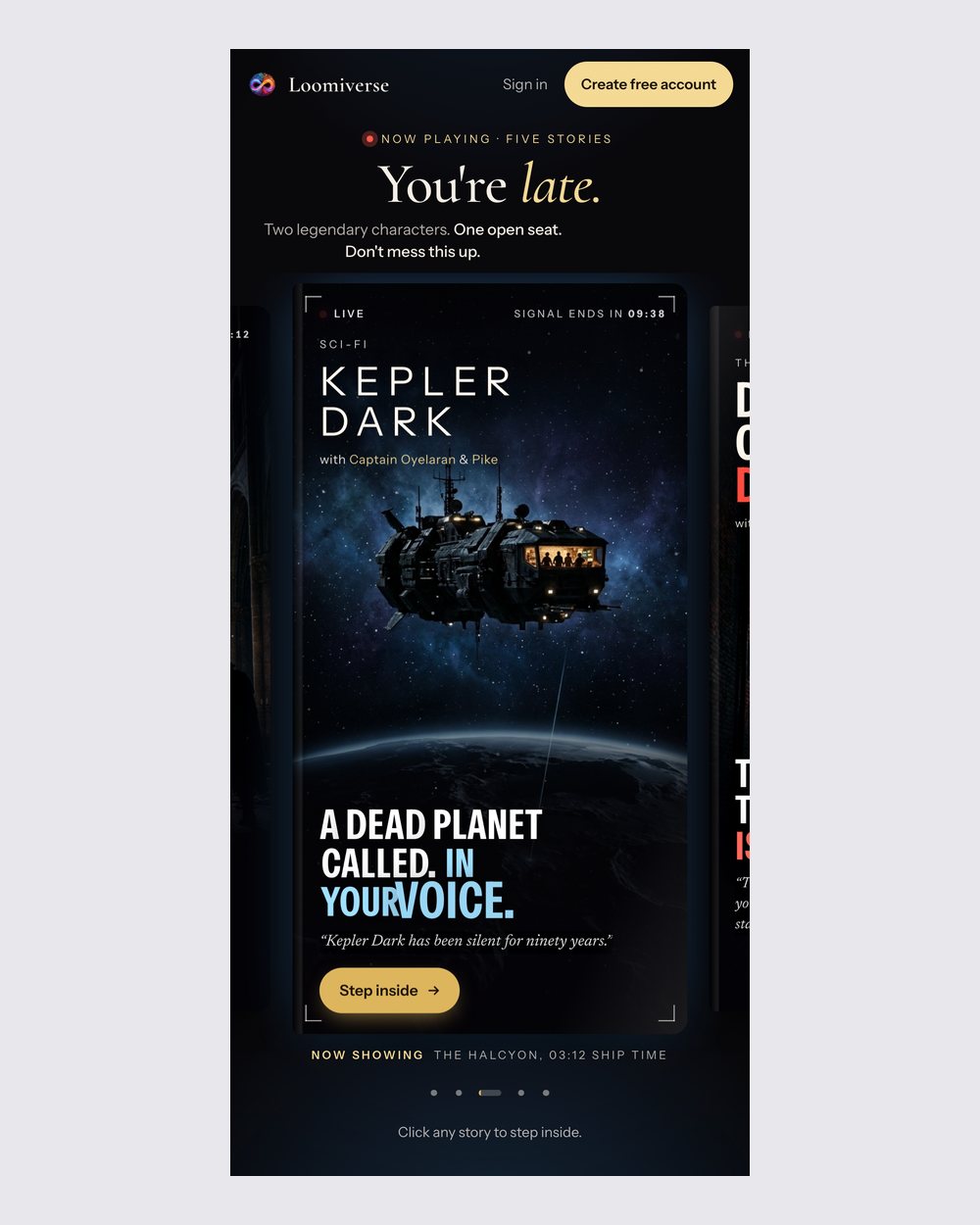
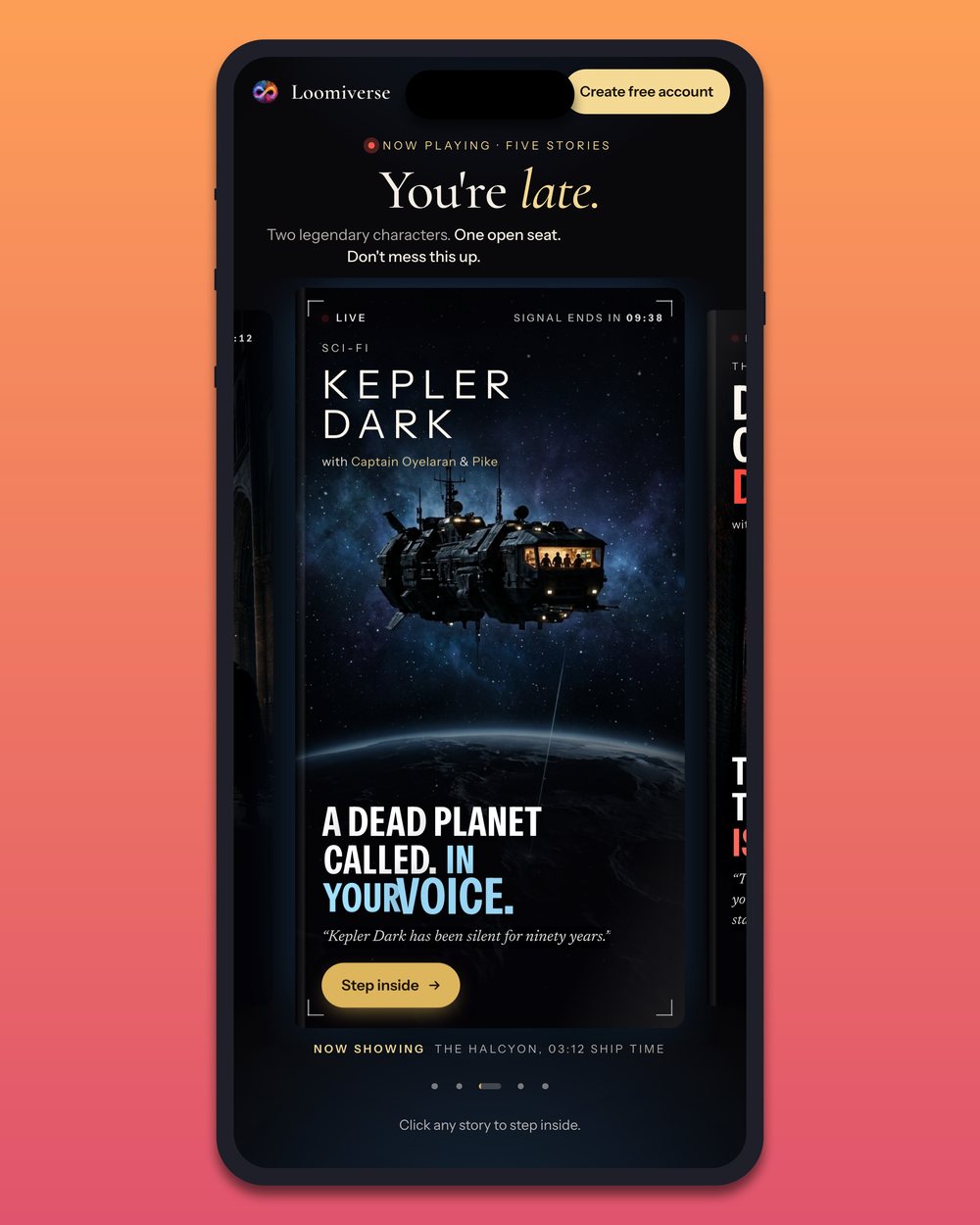
Sized for every feed
Pick 1:1, 4:5, 3:4, 16:9 or 9:16 and the whole phone always fits, so timelines never crop off the top or bottom.
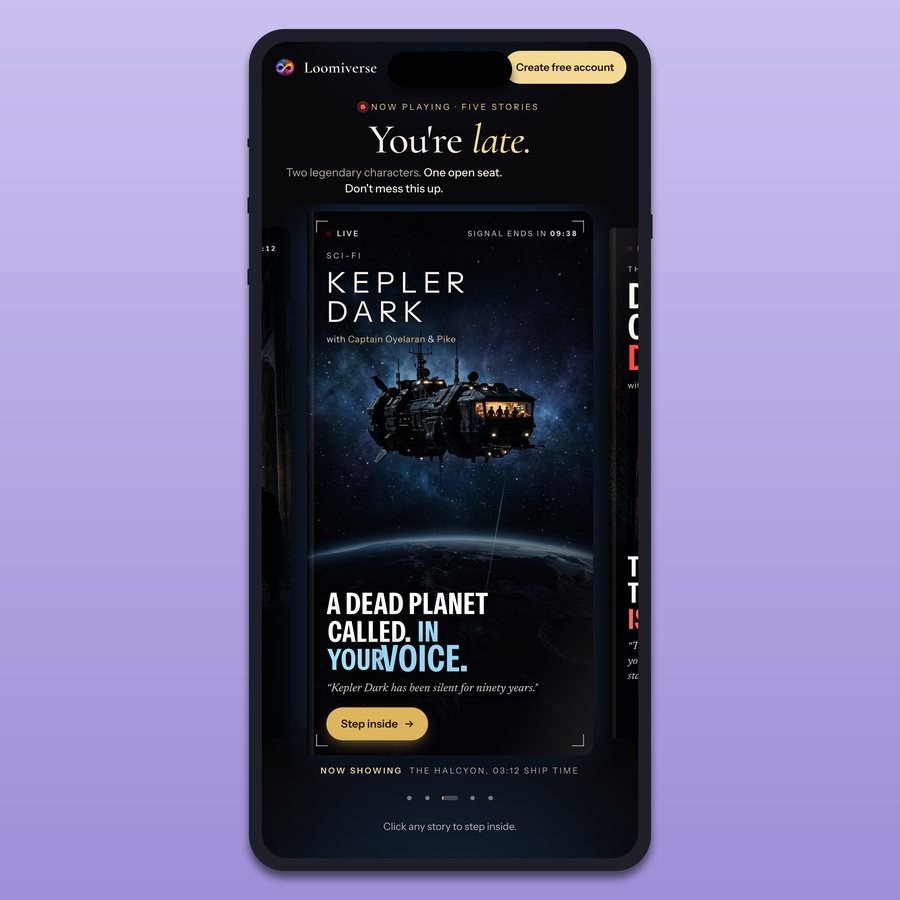
1:1Instagram post
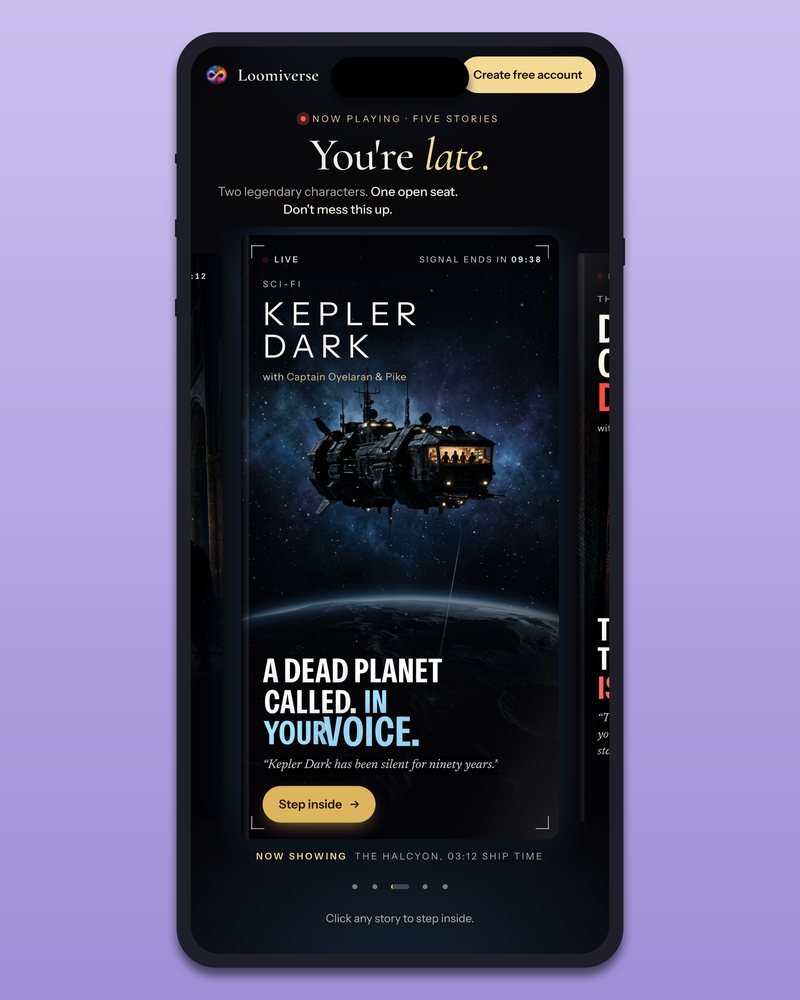
4:5Instagram portrait
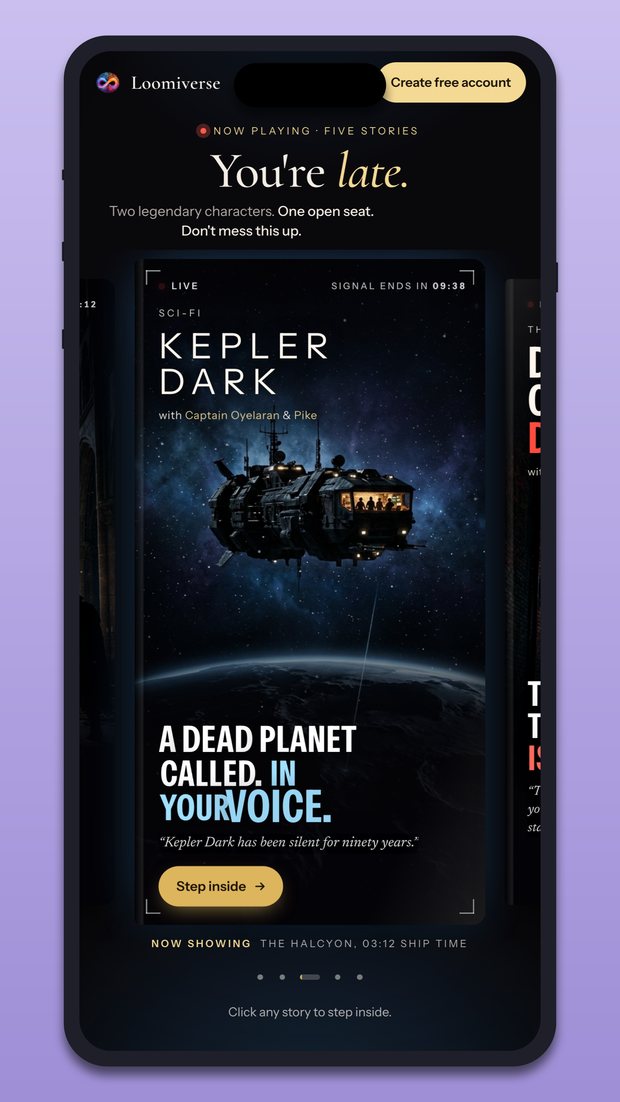
9:16Reels · TikTok · Shorts
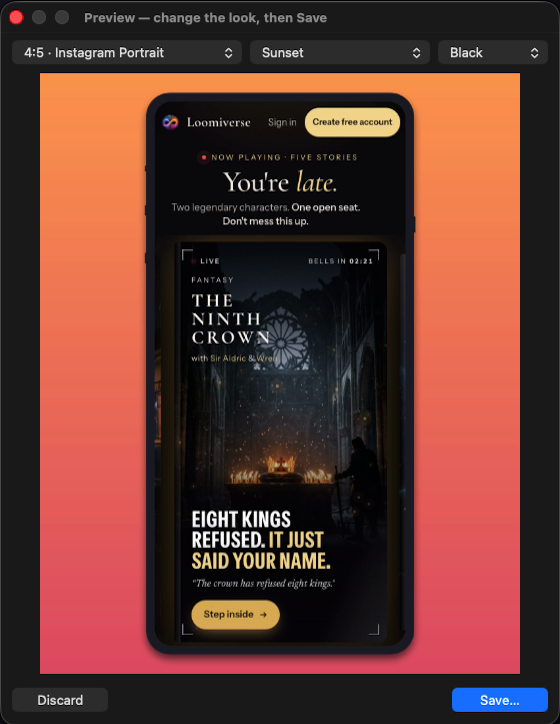
Every capture opens in a preview. Swap the size, the background and the frame and watch it redraw instantly. Nothing is saved until you like it.
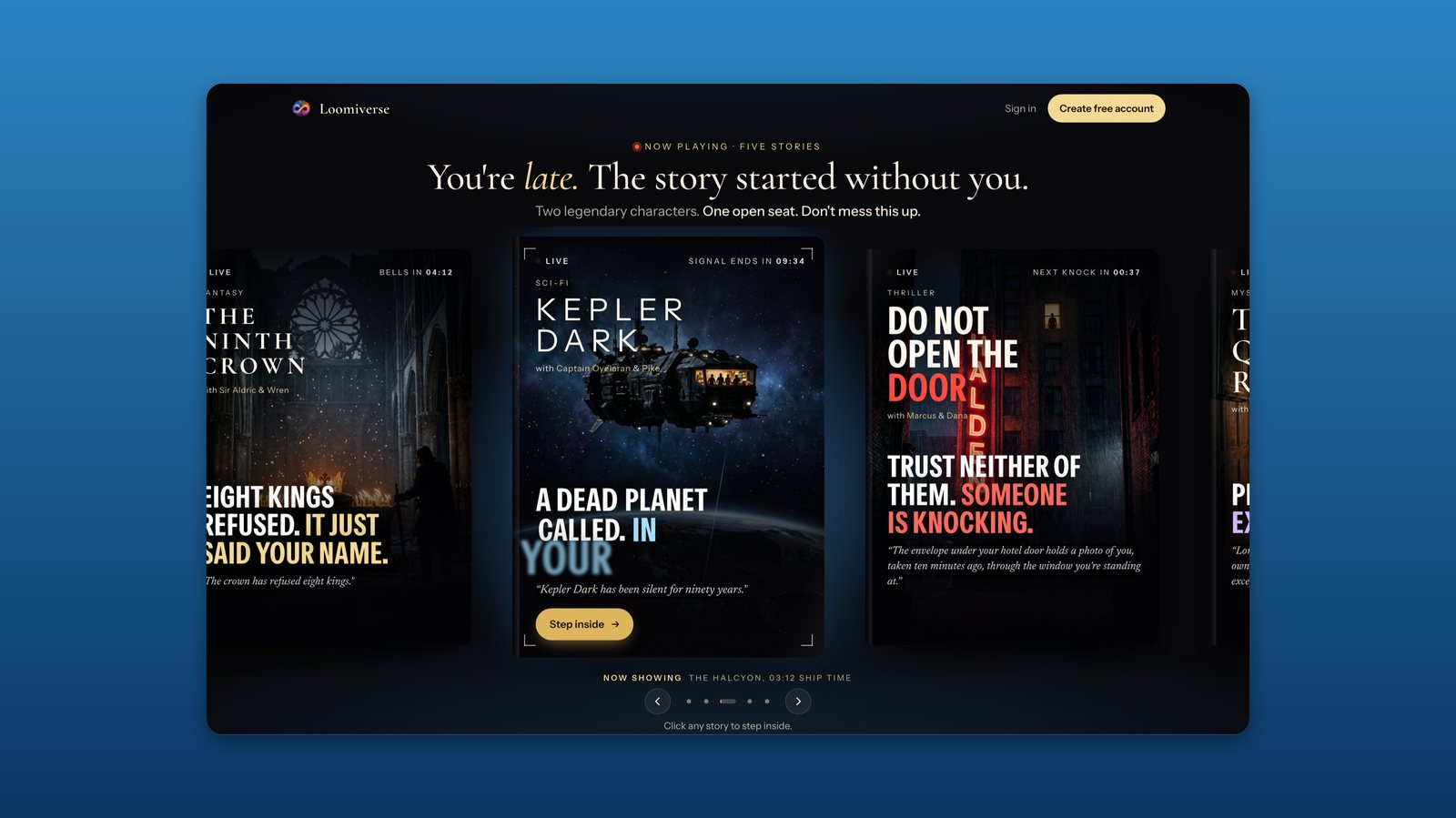
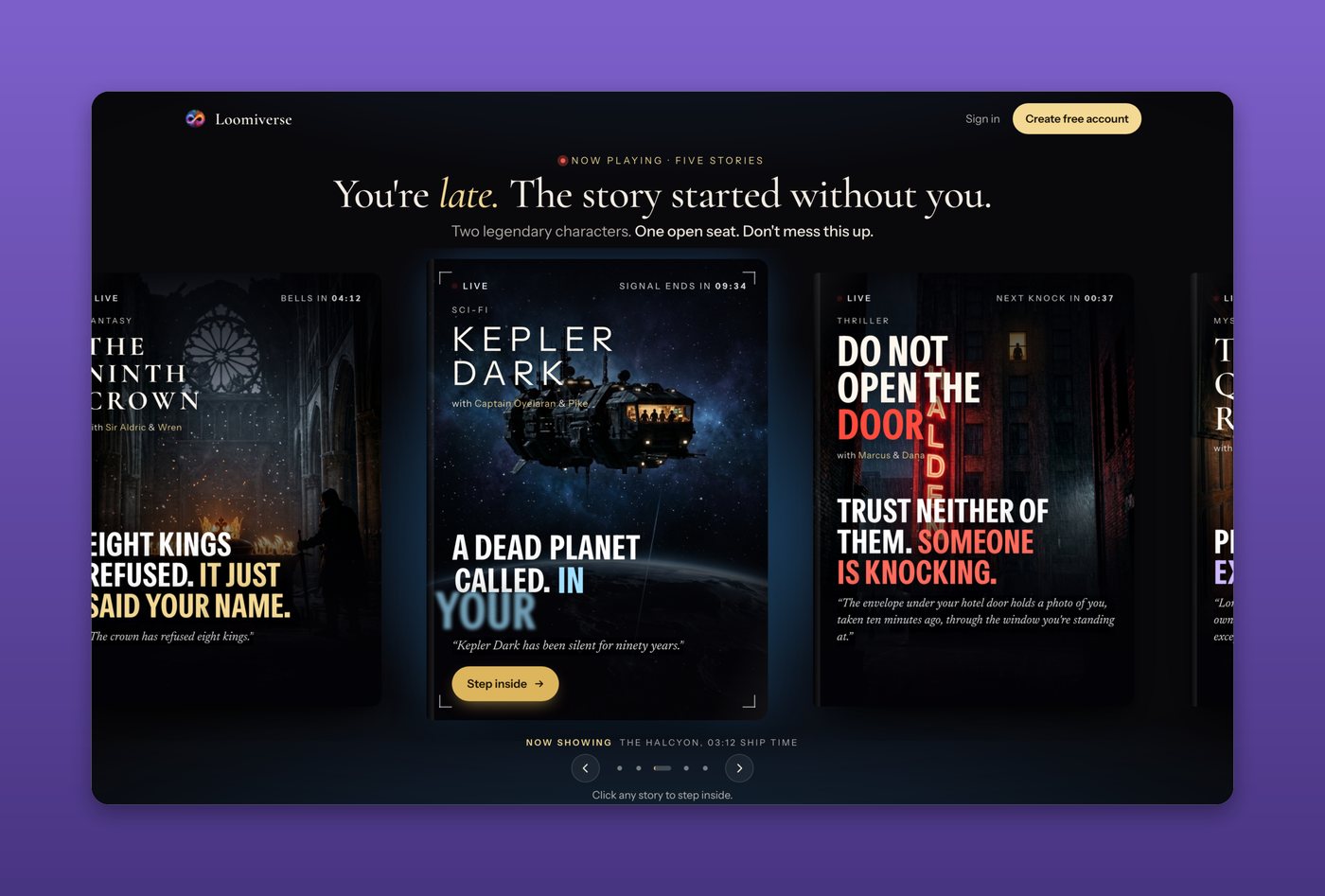
Pick No phone and you get just your screenshot with soft rounded corners and a shadow on a backdrop. Perfect for Mac apps, dashboards and wide websites.
Features
Built for app launches, social posts, pitch decks and App Store images.
Accurate screen shapes and corner curves, optional Dynamic Island, in black, silver, titanium or white.
Record what's under the phone as a framed video, or export it as a looping GIF.
Arrows, text, highlights and spotlight. Blur names, emails and numbers before you post.
Already have screenshots? Drop them in, or frame a whole folder in one go.
Fit the phone to the window underneath, or select just the web page content.
Every capture is kept and searchable by the text inside it, so you can find last week's shot.
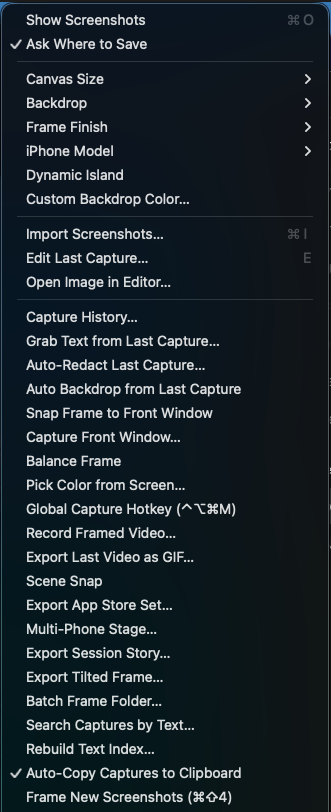
Everything in one menu
This is the real menu. One place for styles, captures, video and exports.
Made with Mockup Frame Studio
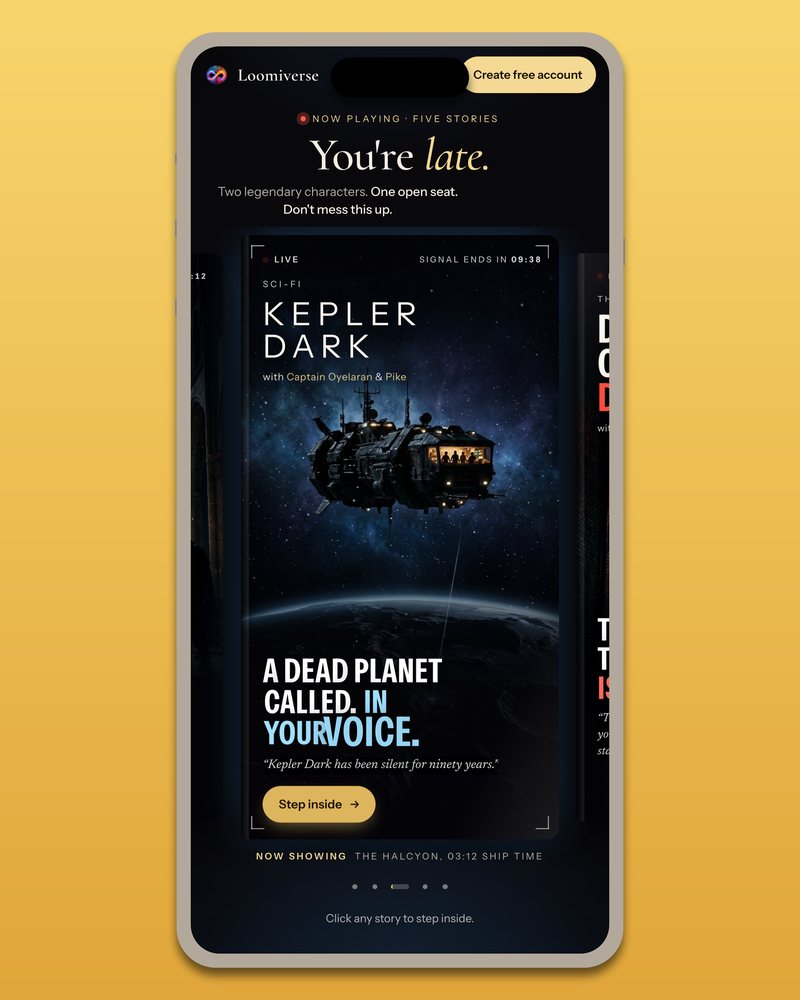
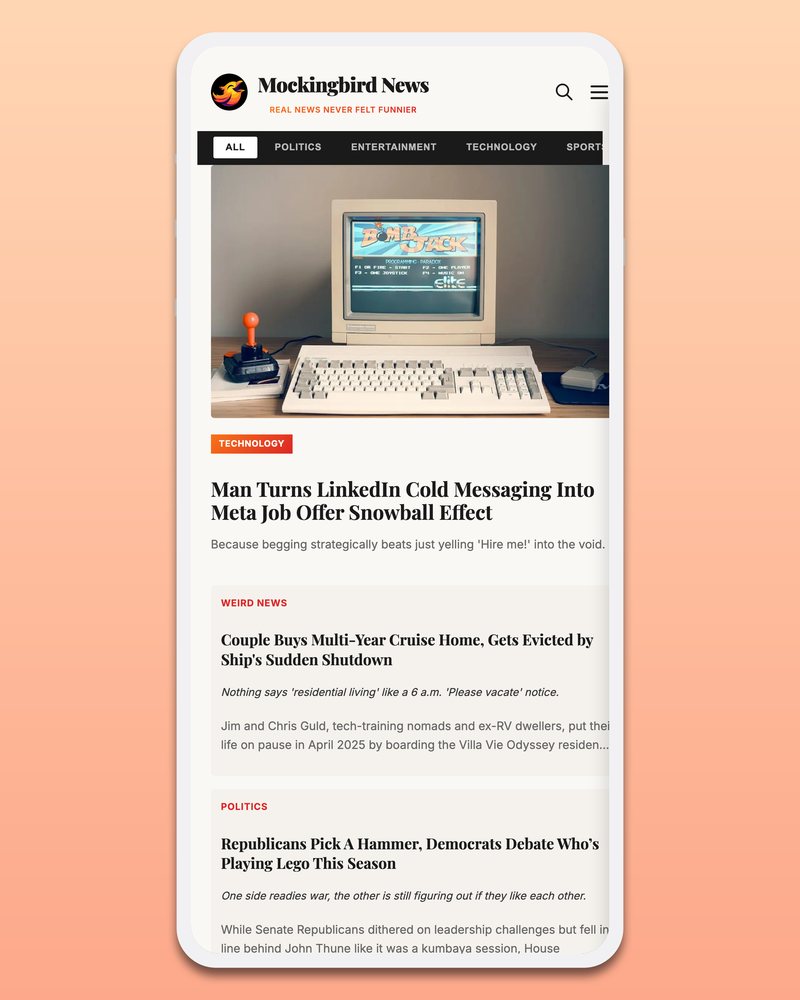
Every image on this page came straight out of the app. No Photoshop touch-ups.
Up and running in a minute
Drag Mockup Frame Studio into Applications. It's signed and notarized by Apple, so it opens without warnings. macOS asks once for Screen Recording permission.
Drag the see-through iPhone over what you want to show. Resize it, rotate it for landscape, or snap it to a window.
Click Capture, tweak the look in the preview, and Save. It's on your clipboard, ready to paste.
Pricing
No subscription, no account, no renewal emails.
One-time payment in US dollars.
Not sure yet? Download free and make 5 real exports first.
FAQ
A Mac with macOS 13 (Ventura) or newer. It's one universal app that runs natively on Apple silicon and Intel. The first time you capture, macOS asks you to allow Screen Recording. Every screenshot tool needs that permission.
No. $29 once and it's yours. Nothing expires and there's no account. The free download gives you 5 full-quality exports with no watermark so you can try it properly.
No. Your captures never leave your Mac. They're saved to a folder you choose and copied to your clipboard. The only time the app goes online is to check your license key with our payment provider, Lemon Squeezy.
Yes. Import them, frame a whole folder at once, or turn on Frame New Screenshots so every ⌘⇧4 screenshot opens in the preview automatically.
Choose No phone in the Frame menu. You get the screenshot alone with rounded corners and a soft shadow, on any backdrop and size. You can switch between phone and no phone in the preview before saving.
A license key, on the receipt page and by email, plus a download link. In the app, click the yellow Unlock / Enter Key line under the phone, paste the key, and exports are unlimited from then on. One key works on up to 2 of your Macs.
Try the 5 free exports first. If you buy and it isn't right, ask for a refund within 14 days and you'll get your money back.
Five free exports. No watermark. No account.
 Mockup Frame Studio